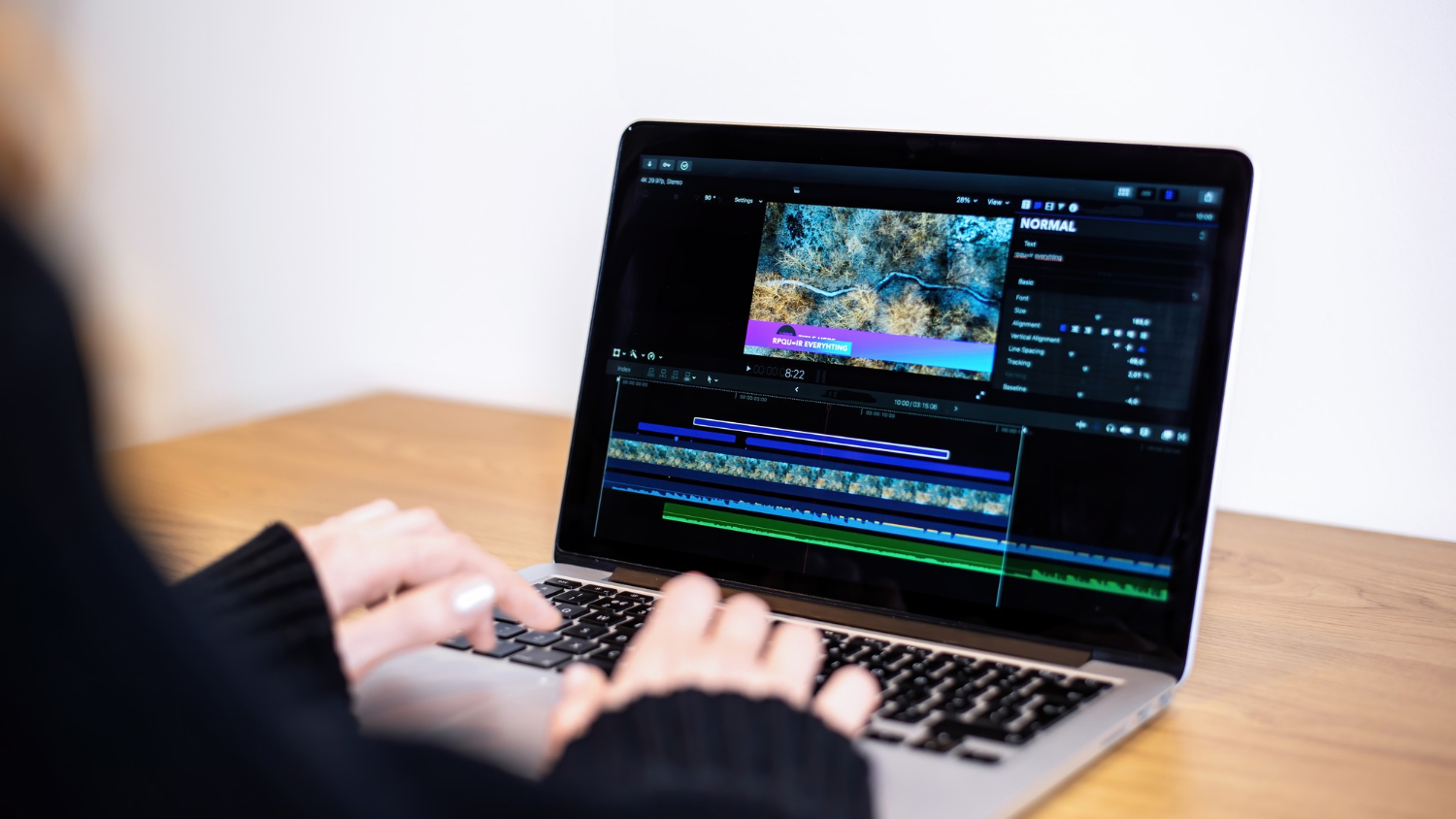
It’s a strange but common experience: a video looks technically sharp, every detail crisp and well-defined, yet something about the motion still feels off, slightly jerky or unnatural in a way that’s hard to pin down. The instinct is usually to blame resolution, assuming a higher-resolution file would fix the issue. In reality, the culprit is more often bitrate, codec, or frame rate, three separate settings that get lumped together in casual conversation but actually control very different aspects of how a video looks and feels.
Resolution Tells You Detail, Not Smoothness
Resolution refers to the number of pixels in each frame, commonly described as 1080p or 4K. It determines how much fine detail a video can display, things like texture, sharp edges, and small text. What resolution does not determine is how smoothly motion appears or how well the video holds up during fast-moving scenes. A 4K video can still look choppy, and a 1080p video can look perfectly fluid, because smoothness comes from an entirely different part of the equation.
Frame Rate Is Where Smoothness Actually Lives
Frame rate, measured in frames per second, or fps, determines how many individual images are displayed every second to create the illusion of motion. Standard video has traditionally used 24 or 30 fps, which is enough to look natural for most content but can start to show strain during fast camera movement or quick action, producing a slightly blurred or stuttering effect during those moments.
Higher frame rates, like 60 fps, capture motion with noticeably more fluidity, which is why gaming footage and sports broadcasts often use higher frame rates specifically to keep fast movement looking clean rather than blurred. This is also why some content shot at 60 fps can look strangely smooth compared to what audiences are used to seeing in traditional film, an effect often described as looking more like live television than cinema, since the extra frames remove some of the motion blur people have come to associate with a more „filmic” look.
Bitrate Determines How Well the Detail Actually Survives
Bitrate refers to how much data is used to encode each second of video, usually measured in megabits per second. This is where the disconnect between „looks sharp” and „feels choppy” often comes from. A video can be recorded or exported at a high resolution and frame rate, but if the bitrate assigned to it is too low, the file simply doesn’t have enough data to represent every frame accurately, especially during complex or fast-moving scenes.
The result is a kind of compression struggle happening in real time. Static or simple scenes, like a person talking against a plain background, tend to hold up fine even at a lower bitrate, since there isn’t much changing between frames. But a scene with a lot of movement, texture, or color variation demands far more data to represent accurately, and if the bitrate can’t keep up, the video starts showing compression artifacts: blockiness, blurring during motion, or a general loss of clarity specifically during the busiest moments, even if the video looked sharp a second earlier during a calmer shot.
Codecs Decide How Efficiently That Data Gets Used
A codec is the method used to compress and decompress video data, and different codecs achieve very different levels of efficiency at the same bitrate. Older codecs like H.264 are widely compatible but less efficient, meaning they need a higher bitrate to achieve the same visual quality that a newer codec could deliver more efficiently. Newer codecs like H.265, also known as HEVC, or AV1 can produce comparable or better quality at a lower bitrate, though they require more processing power to encode and decode, which is why compatibility and hardware support still matter when choosing one.
This is why two videos with an identical bitrate can look noticeably different in quality if they’re using different codecs. A video encoded with a more efficient, modern codec will generally hold up better under the same data constraints than one using an older, less efficient method, particularly during scenes with a lot of motion or fine detail.
Putting the Three Together
The choppy-but-sharp feeling described at the start usually comes down to a mismatch between these settings rather than a problem with any single one. A high-resolution video with a high frame rate but an insufficient bitrate will struggle to keep up with itself during motion, producing exactly that sensation of visible clarity paired with distracting stutter or blur whenever something moves quickly across the frame. Bumping up the resolution without also accounting for bitrate tends to make this worse, not better, since higher resolution footage needs proportionally more data to encode properly in the first place.
For anyone exporting or streaming video, the practical takeaway is that resolution gets far more attention than it deserves relative to bitrate and codec choice. A well-encoded 1080p video with an appropriate bitrate and a modern codec will almost always look and feel better than a 4K video squeezed down to a bitrate too low to support it, even though the second one technically has more pixels on paper.